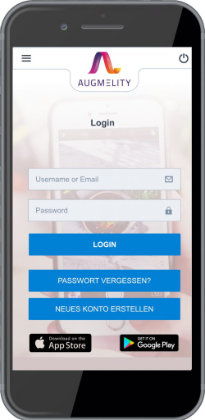
Click on the “Use for free” link and create a new account. After successfully registering, you receive a welcome e-mail and can get started immediately.
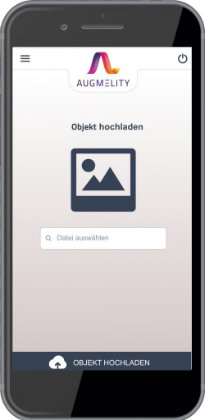
Take a photo of your object or choose an image from your library and upload it. From the stars alongside the photo, you can see how good the quality of your image is.
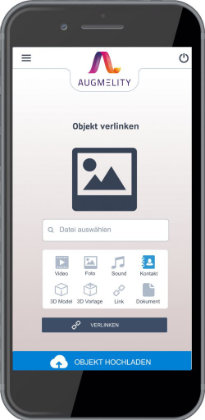
Link your object to a video, an audio file, a link, an image, a 3D model, or your vcf. file. Download the free Augmelity viewer from the Apple or Google Play store and see the results.
An object is a single image that you either select from your library or photograph directly and can upload to Augmelity. You can upload .JPG files of up to 2 MB. During the upload process, your object is automatically converted into a code so that it can later be linked to content. The process may take a few seconds.
Afterwards, you’ll see it under the menu point “Objects”. The stars to the right indicate the quality of the image. In order for the object to be played back successfully, it should have at least four stars. The important thing is that you don’t violate others’ image rights.
“Content” refers to an image, video, audio, 3D or vcf file. The corresponding media can be uploaded in the following formats and sizes:
A vcf file is a file for storing contact details. The content of a vCard can contain an e-mail address, your postal address, a telephone number, the link to your website, and other contact details. Upload a photo of your business card to Augmelity and link the image to your vcf. file. When you hold the Augmelity viewer up to the business card, it is enhanced digitally. All the buttons such as the telephone and message symbols or address are active and can be clicked on.
In order to view the content on the objects, you and your follower need the Augmelity viewer, which can be downloaded free of charge in the Apple or Google Play store, and which requires the user’s permission to access the camera after installation. The camera on the mobile phone recognizes the linked objects and a play symbol appears on the object. After clicking on the play symbol, the user can see the linked content.
© AUGMELITY 2023 | Made with love in Hamburg